Lesson 1
What is GameMaker?
Learn what GameMaker is and the mental model behind making games.
It’s right there in the name
GameMaker lets you make games. Some people call it an IDE, some people call it an engine, and some people call it a tool. Regardless, they all boil down to the same thing: you use it to make games.
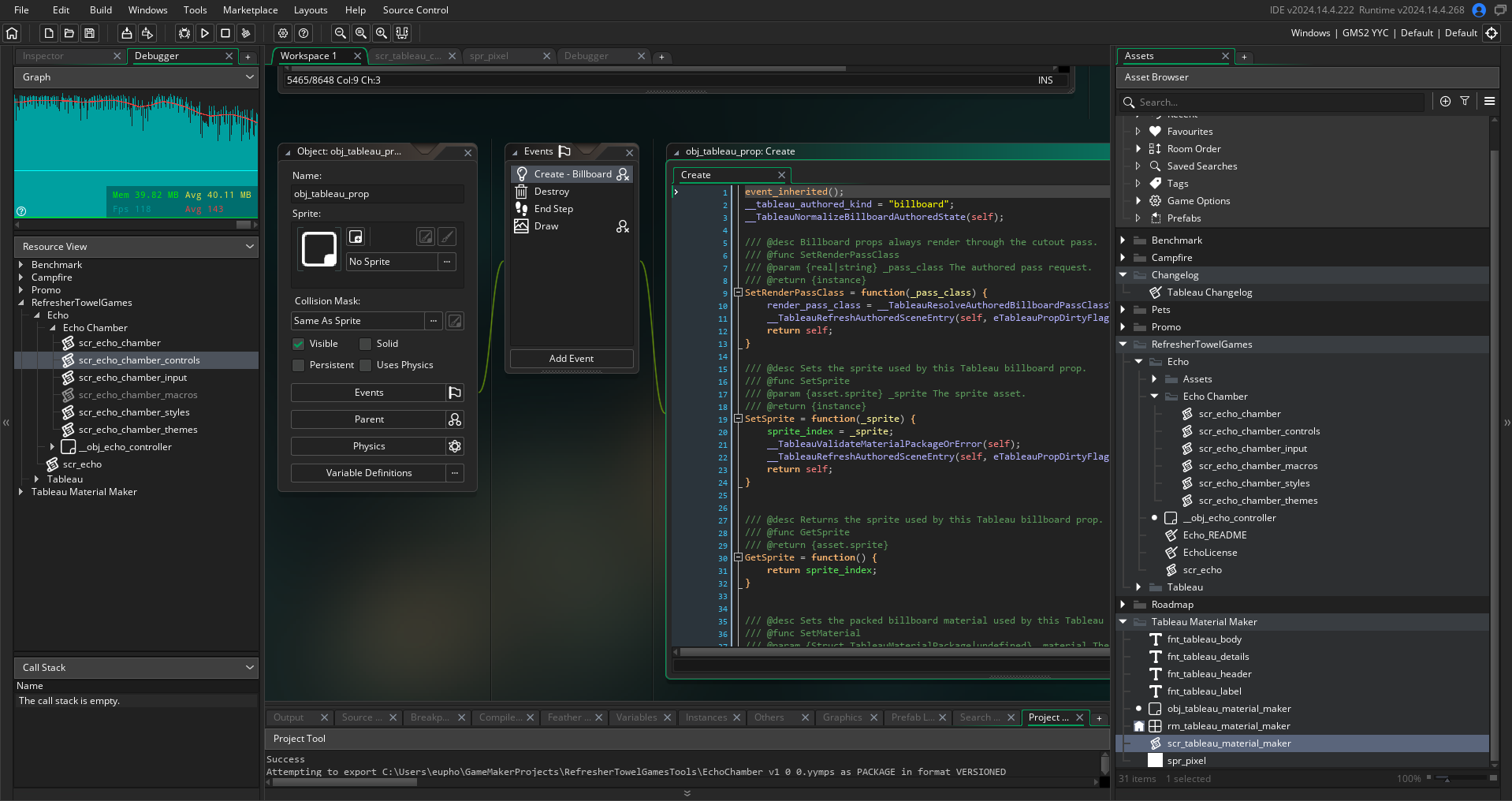
That means it lets you add assets (such as images or sounds), write code (or use drag and drop code blocks) and end up with an interactive experience of some sort.
We’re not going to learn everything there is to learn about GameMaker right now. Instead, we’re going to focus on the simple building blocks that make up the core of the engine and what it means to write code.
GameMaker as a mental model
At its core, GameMaker (which will hereby be referred to as GM) is composed of 6 main “pieces”. You create a project. Your project contains rooms. Objects define behavior and events. Instances are live copies of objects placed in rooms. Events contain code.
Almost everything you do in GM will involve one of those pieces.
A few terms to learn
- A “room” is simply a game space where you can put things. Only one room can be active at a time, and a room is necessary to have anything run.
- A “sprite” is simply an image which can be attached to an object (or drawn separately).
- An “object” is a blueprint (think of it like the blueprint for a house) for your instances. Objects never exist in-game.
- An “instance” is the live, in-game version of an object (you can have one or many instances all built from the same object).
- An “event” is when GM runs a particular chunk of code.
In the next lesson, we’ll start looking at objects and events in more detail.